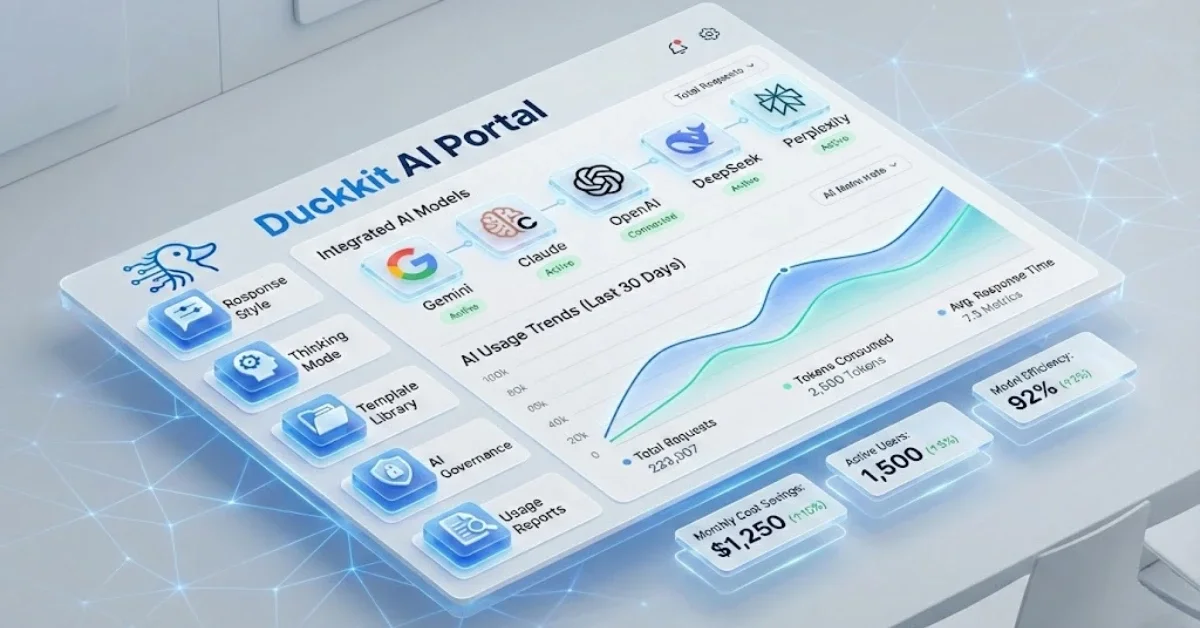
AI helps HR: Use DuckKIT AI Portal to manage your workforce
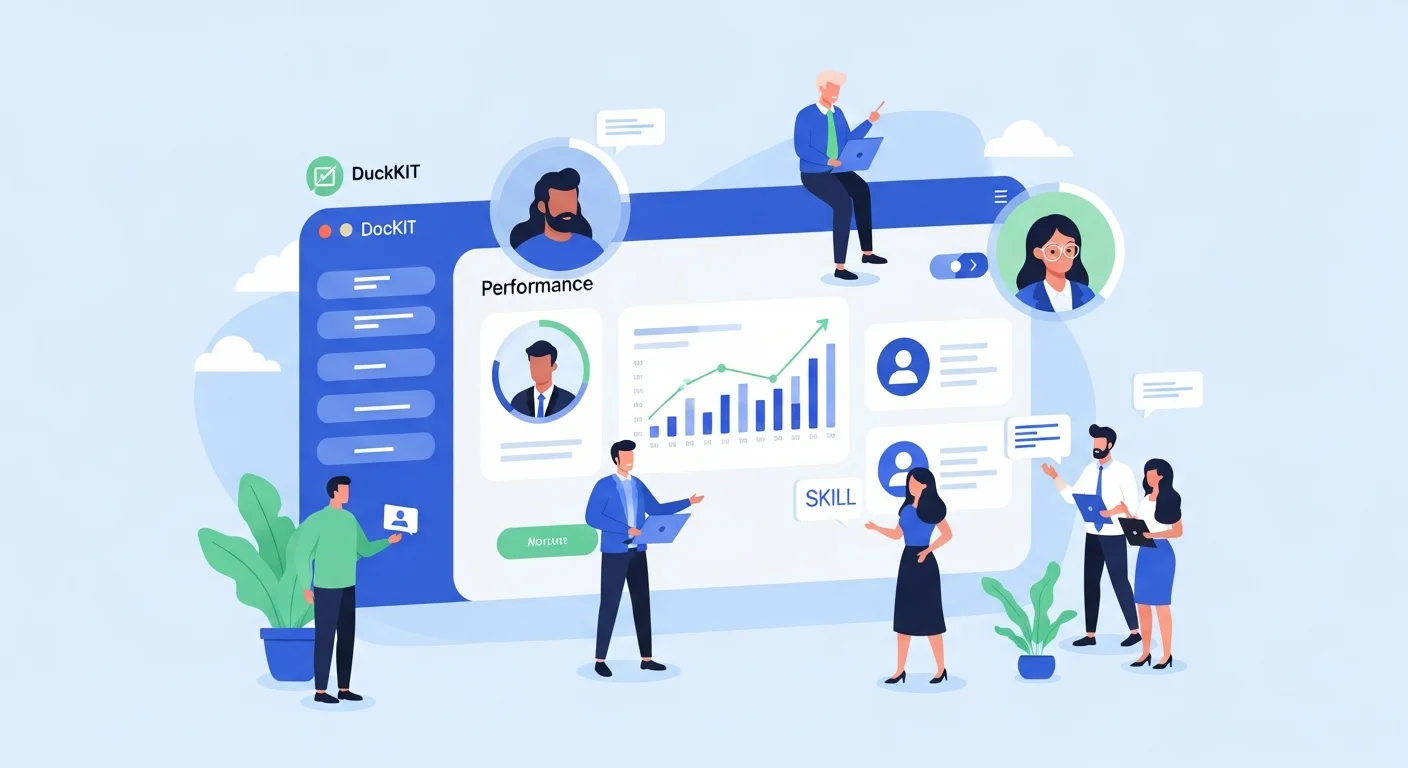
People Management in the Age of AI Is Changing
Today, HR is no longer limited to administrative tasks or employee management. It has evolved into a strategic partner that drives organizational growth. Amid intense competition and rapid technological change, adopting AI in people management is no longer optional—it is inevitable.
The key question is: how can organizations use AI safely, cost-effectively, and efficiently? This is where DuckKIT AI Portal comes in.
What Is DuckKIT AI Portal?
DuckKIT AI Portal is a centralized AI management platform designed to help organizations control and govern AI usage in a structured way. It covers everything from user and access management to real-time cost tracking and performance monitoring.
Instead of allowing employees to use different AI tools independently, DuckKIT enables HR and management to oversee everything from a single dashboard—ensuring data security and keeping AI spending within budget.
Why HR Needs DuckKIT
Unstructured AI adoption can lead to several issues, such as:
- Employees subscribing to multiple AI services, causing costs to skyrocket
- Sensitive company data being sent to external AI tools without proper control
- Lack of visibility into which departments use AI the most and whether it delivers real value
- Complex and time-consuming access and permission management
DuckKIT solves all of these challenges by giving HR full control through a single dashboard.
Key Features That Empower HR
1. Granular User & Role Management
DuckKIT’s User & Role Management allows HR to define access rights in detail. With seven system roles—from Super Admin and Admin to User and Viewer—each employee can access only what they truly need.
Benefits for HR:
- Reduced data security risks
- Fast and scalable user management
- Clear access control aligned with organizational hierarchy
For example, an HR Manager may have Admin rights to manage all employees, department heads may have User access for their own teams, and executives may be assigned Viewer roles to monitor overall usage.
2. Team & Project Management
DuckKIT allows HR to organize conversations and templates by project or department. Teams can be invited with Owner, Editor, or Viewer roles to ensure structured collaboration.
Use cases:
- Create an “Onboarding 2025” project for new hires
- Set up a “Performance Review Q1” project
- Manage a “Training & Development” initiative
Each project can have dedicated AI templates and instructions to ensure consistency and best practices.
3. Access to Leading AI Models
DuckKIT supports five leading AI providers with over 10+ models available, including:
- OpenAI: GPT-4o, GPT-4 Turbo, GPT-3.5 Turbo
- Anthropic: Claude Sonnet 4.5, Claude Haiku 4.5, Claude Opus 4.1
- Google: Gemini 2.5 Pro, Gemini 2.5 Flash
- Perplexity AI: Sonar Pro, Sonar Reasoning
- DeepSeek: DeepSeek V3.2 Chat, DeepSeek Reasoner
HR can choose the most suitable AI model for each task without switching platforms or managing multiple accounts.
4. AI Cost Optimization
Unmanaged AI usage often leads to hidden costs and unused subscriptions. DuckKIT eliminates these inefficiencies by enabling centralized quota and usage control.
How DuckKIT reduces costs:
- Set usage quotas by department or individual
- Monitor usage in real time with threshold alerts
- Analyze which AI models deliver the best ROI
- Deactivate unused accounts
A mid-sized organization with 100 employees can save up to 40–60% in AI costs by using DuckKIT instead of individual AI subscriptions.
5. Enterprise-Grade Security
DuckKIT enables HR to fully control data access and audit all activities through comprehensive Audit Logs and granular permission settings.
Security features include:
- Full activity tracking (who did what, and when)
- Complete history of role and permission changes
- IP Whitelisting for controlled access
- OAuth 2.0 login support (Google, Microsoft)
6. Productivity Boost
Employees gain instant access to best-in-class AI tools from a single platform, reducing app switching and repetitive work.
Productivity features:
- Templates Library: Ready-made HR templates such as Job Description Generator, Interview Question Creator, and Performance Review Assistant
- Slash Commands: Use “/” to quickly invoke templates or special commands like /image
- File Upload: Upload PDFs, DOCX files, or images for instant AI analysis
- Response Customization: Adjust tone (Formal, Friendly, Analytical), language (TH, EN), and depth (Fast, Deep)
7. Centralized Control
HR gains full visibility and control over AI usage through a comprehensive dashboard.
Dashboard insights include:
- Real-time active user count
- Usage by department and project
- Total and forecasted AI costs
- Most frequently used AI models
- Usage metrics: prompts, tokens, images, and latency
Conclusion: Why HR Should Choose DuckKIT AI Portal
Modern people management requires more than experience—it demands powerful and intelligent tools. DuckKIT AI Portal is the answer for organizations that want to:
✅ Govern AI usage securely and systematically
✅ Reduce costs and maximize AI ROI
✅ Boost productivity across HR and teams
✅ Manage users and permissions with precision
✅ Access multiple leading AI models from a single platform
With comprehensive features ranging from User Management and Project Management to Templates, Analytics Dashboards, and Audit Logs, DuckKIT empowers HR teams to elevate people management for the AI-driven era.
Share this article
Admin User
Content Author
Related Articles
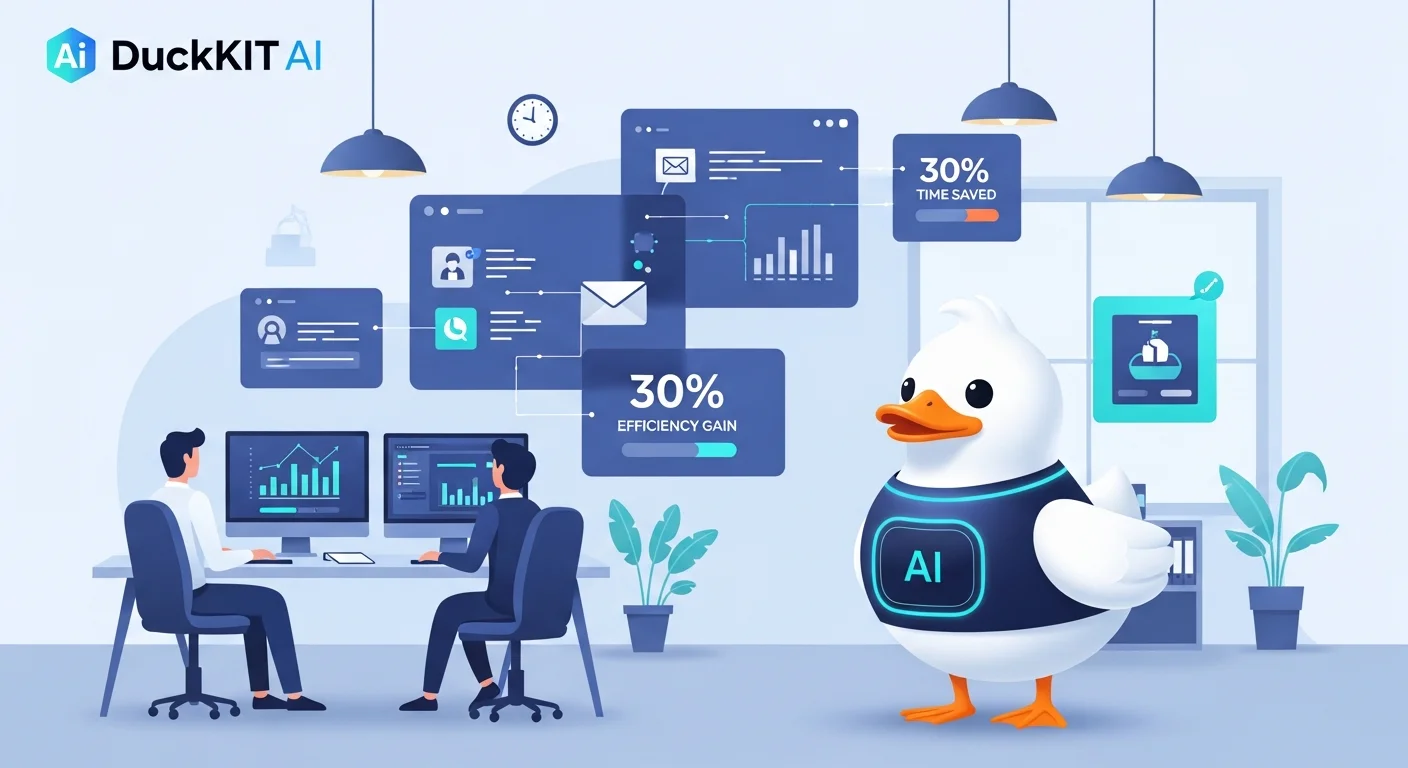
DuckKIT AI: Automate repetitive tasks and save 30% of time – Is it true?