DuckKIT AI: Automate repetitive tasks and save 30% of time – Is it true?
The AI Organizations Use Today Is Becoming a Major Problem
Many organizations have started adopting AI to improve productivity. But instead of making work easier, teams are now facing multiple challenges at once: AI costs that quietly spiral out of control, employees switching between multiple platforms, unclear access control, and critical data scattered everywhere.
DuckKIT AI is designed to solve these problems directly.
What Is DuckKIT AI and How Is It Different?
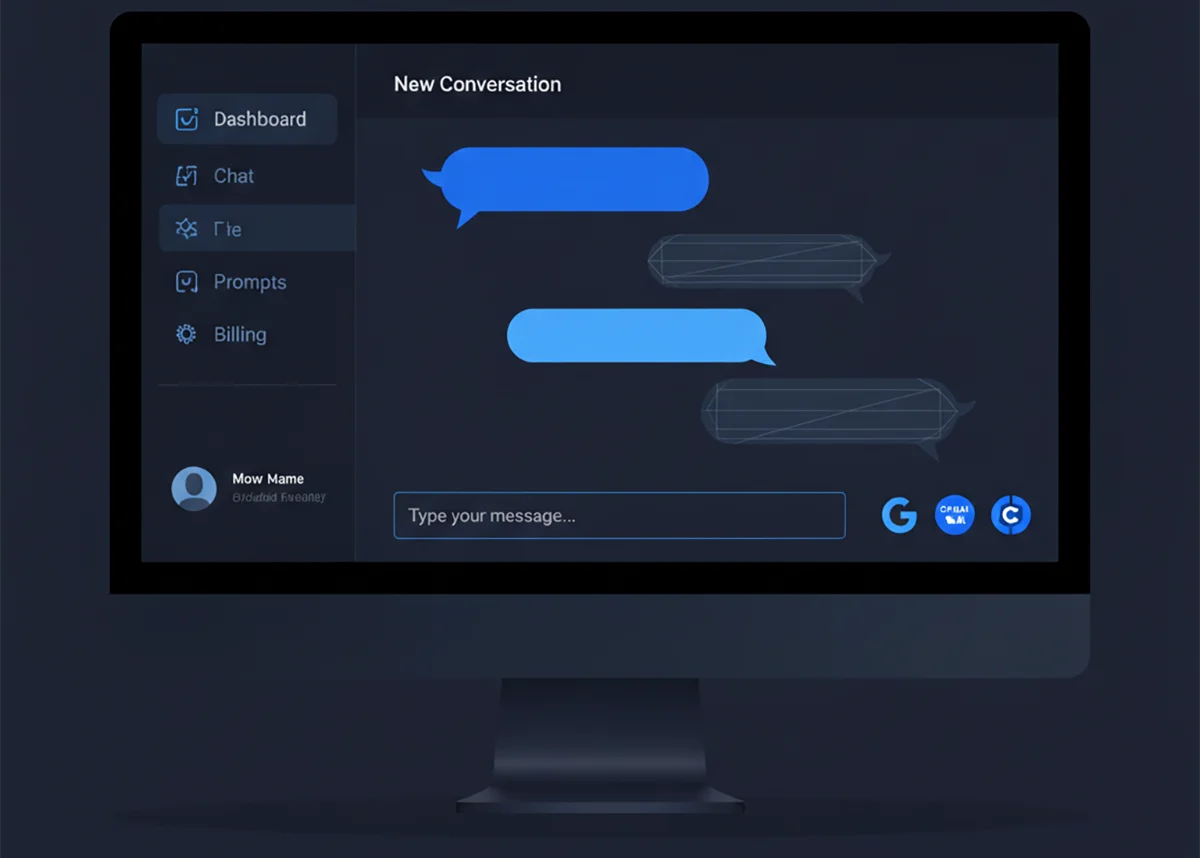
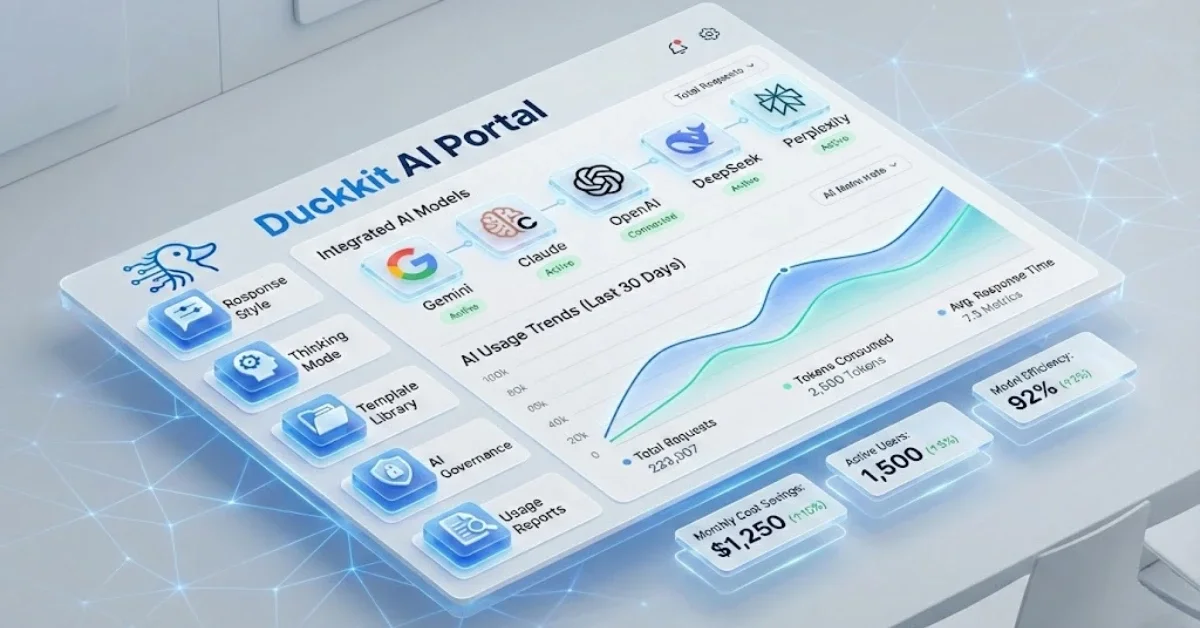
DuckKIT AI is a centralized AI management platform that gives you access to leading AI models from top global providers in one place. These include OpenAI, Claude by Anthropic, Gemini by Google, Perplexity AI, xAI, and DeepSeek—over 23 AI models to choose from based on the task at hand.
Instead of managing multiple subscriptions, separate API keys, and fragmented cost tracking, everything is handled through a single dashboard—complete with enterprise-grade access control and quota management.
Key Features That Make DuckKIT Ideal for Organizations
1. Six Leading AI Providers in One Platform
DuckKIT integrates with:
- OpenAI: GPT-4o, GPT-4o Mini, O1-Preview, O1-Mini, and more
- Claude (Anthropic): Claude Sonnet 4.5, Haiku 4.5, Opus 4.1
- Google Gemini: Gemini 2.5 Pro, Flash, Flash Lite
- Perplexity AI: Sonar Pro, Sonar Reasoning Pro
- xAI: Grok 4, Grok 4 Fast
- DeepSeek: Chat, Reasoner, Coder
Teams no longer need to switch between applications—simply choose the AI model that best fits each task from a single interface.
2. Cost Control with Token-Based Quotas
DuckKIT uses a token-based quota system instead of counting messages, because tokens reflect actual AI usage costs. You can allocate token budgets by department, project, or individual user.
The system alerts you when usage approaches predefined limits and allows additional credits to be assigned on a per-user basis—ensuring AI spending stays within budget.
3. Granular Access Control and Security
DuckKIT supports seven permission levels, from Super Admin and Admin to User, Viewer, and fully customizable roles tailored to organizational needs.
Every action is recorded in Audit Logs, allowing you to review who did what, when, and where—including before-and-after comparisons for critical changes.
4. Templates and Instructions for Faster Workflows
Create reusable templates for recurring tasks such as report writing, data analysis, or marketing content. Each template can predefine the AI provider, model, system instruction, and response format.
To use a template, simply invoke it with the slash command /. All configurations load instantly—no repeated setup required.
5. Project Management for Collaboration
DuckKIT allows conversations to be organized into projects, with team members assigned as Owner, Editor, or Viewer.
You can search, pin, archive, and categorize conversations systematically, making it easy to revisit past context and shared knowledge.
6. Real-Time Analytics and Usage Reports
The DuckKIT dashboard provides real-time insights into token usage, costs, message volume, and model performance.
Usage can be analyzed by department, project, user, or AI model, with reports exportable as CSV or PDF.
Real-World Use Cases: Who Should Use DuckKIT?
Organizations with Multiple Tech Teams
Developers may rely on DeepSeek Coder for code generation, marketing teams on GPT-4o for content creation, data analysts on Claude Opus for deep reasoning, and support teams on Gemini Flash for chatbots.
DuckKIT allows each team to use the AI best suited to their needs, while IT administrators maintain centralized control over access and costs.
Companies Focused on Reducing AI Costs
Instead of paying for multiple subscriptions or relying on personal accounts with data security risks, DuckKIT lets you purchase only the credits you actually use—paying strictly per token.
Quota management ensures precise budget control and clear insights into which AI models deliver the best value.
Startups and SMEs Seeking Efficient AI Adoption
Small teams don’t need complex technical setups. With DuckKIT, getting started is simple: create accounts, assign permissions, add credits, and begin using AI immediately.
Each user can start with a base quota of 60 credits, with the option to top up as needed.
Getting Started with DuckKIT Is Easier Than You Think
DuckKIT onboarding consists of three simple steps:
Step 1: Centralize Access – Connect all AI providers to DuckKIT so your team can start using AI immediately without creating separate accounts.
Step 2: Allocate and Top Up Credits – Start with 60 credits per user and add more credits individually based on real usage.
Step 3: Analyze and Optimize – Monitor usage through the dashboard to make informed, cost-effective AI investment decisions.
Is It True That You Can Save 30% of Your Time?
Based on real-world usage, DuckKIT significantly reduces time spent switching applications, searching for past conversations, and repeatedly configuring AI settings.
Template System eliminates repetitive prompt writing—just reuse predefined templates.
Project Management enables fast retrieval of past conversations and context.
Multi-Provider Access removes the need to log in and out of different platforms or manage scattered API keys.
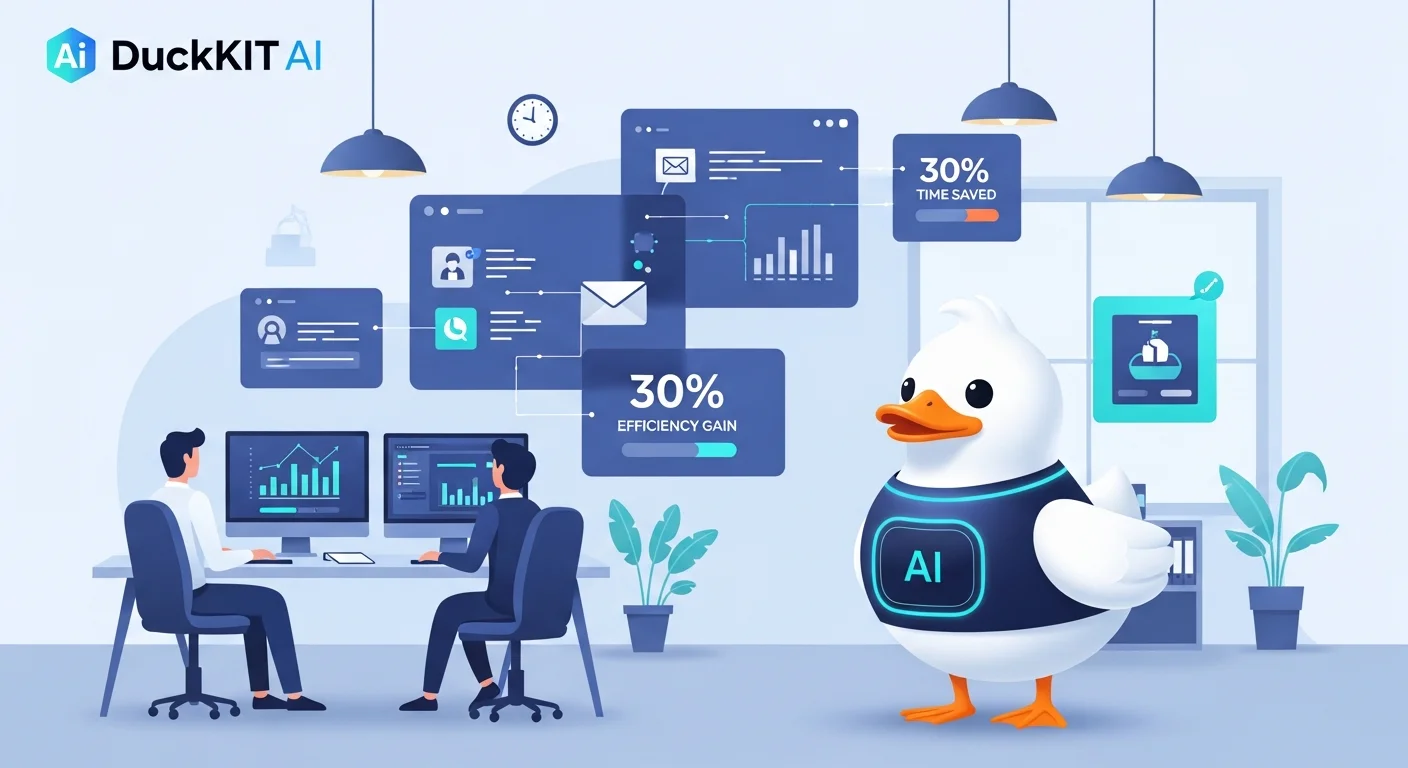
Saving 30% of working time is realistic—especially for teams that use AI frequently and perform repetitive tasks.
Summary: Who Is DuckKIT For?
DuckKIT AI is a strong fit for organizations that:
- Need precise control over AI spending
- Have multiple departments using different types of AI
- Require strong security and auditability
- Want to reduce complexity when managing multiple AI providers
If you’re looking for an AI platform that helps teams work faster, reduce costs, and stay secure, DuckKIT is a compelling choice.
Frequently Asked Questions (FAQ)
1. Which AI models does DuckKIT support?
DuckKIT supports over 23 AI models from six leading providers, including OpenAI (GPT-4o, O1-Preview), Anthropic Claude (Sonnet 4.5, Opus 4.1), Google Gemini (2.5 Pro, Flash), Perplexity AI (Sonar Pro), xAI (Grok 4), and DeepSeek (Chat, Reasoner, Coder).
2. How does DuckKIT’s quota system work?
DuckKIT uses a token-based quota system that measures real AI usage rather than message count. Quotas can be set by department, project, or individual user, with alerts when limits are approached.
3. How secure is data in DuckKIT?
DuckKIT offers granular permission management with seven access levels and comprehensive audit logs. You maintain full control over who can access what data and can audit all activity at any time.
Share this article
Admin User
Content Author
Related Articles