Google Workspace vs Microsoft 365: How to Choose the Right Fit
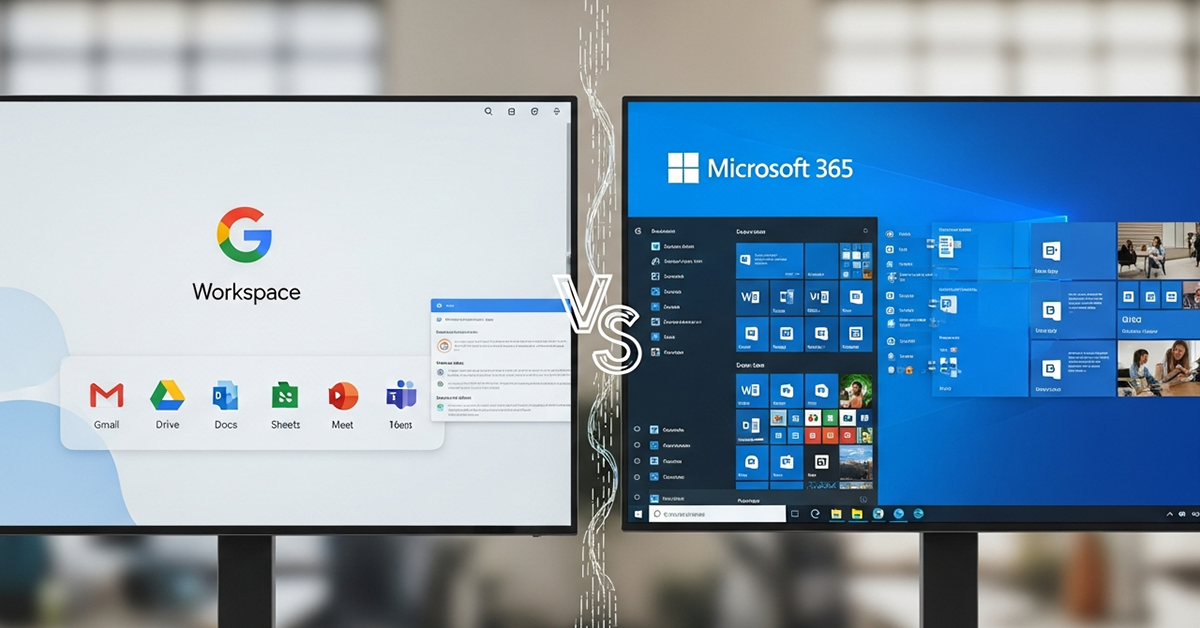
A comprehensive comparison of Google Workspace vs Microsoft 365, covering features, pricing, pros & cons, and recommendations for choosing the system that suits your organization.
When the Way We Work is No Longer Confined to the Office
Many teams work from various locations and at different times, yet they need to stay connected efficiently. The tools organizations choose are no longer just "document programs" but rather collaborative platforms that ensure data security, smooth communication, and continuous progress from anywhere.
In today's market, two major names are considered by most organizations — Google Workspace and Microsoft 365
Both are designed to meet the demands of modern work, but they have different philosophies and strengths.
The question is, "Which system is a better fit for your team?"
Why Choosing an Online Office Platform is Crucial
Choosing an online office tool is like laying the foundation for your organization's operational system. It impacts team efficiency, data security, and the ease of IT administration.
If you choose correctly:
- Teams work more flexibly
- Enhanced system security
- Centralized data
But if you choose incorrectly:
- Redundant systems
- Complex data sharing
- Security vulnerabilities arise
Getting to Know Google Workspace and Microsoft 365
Google Workspace
Google Workspace is a comprehensive suite of cloud computing tools from Google used for organizational work and communication. It includes essential applications such as Gmail, Google Drive, Google Calendar, Google Meet, Docs, Sheets, Slides, and Gemini (an intelligent AI assistant for enterprises).
It empowers users and teams to create, collaborate, and connect from anywhere, at any time, using any internet-connected device.
- Real-time and secure collaboration
- Use company email with a custom domain, enhancing credibility
- User management and permission control system via Admin Console
- Data stored in the cloud, accessible anytime, anywhere
- Supports online meetings and appointment management
- Storage space up to 5TB or more, depending on the package
Businesses of all sizes, educational institutions, government agencies, or organizations aiming for digital transformation.
Microsoft 365
Microsoft 365 (formerly Office 365) is a suite of productivity software that emphasizes both online and offline functionality. It includes Outlook, Word, Excel, PowerPoint, OneNote, OneDrive, SharePoint, Teams, and additional programs like Access and Publisher.
Key Strengths of Microsoft 365
- Features Desktop programs like Word, Excel, PowerPoint for offline use and complex file support
- OneDrive storage starts at 1TB/user (expandable)
- Outlook enterprise email system supports large-scale email management
- Advanced security features such as multifactor authentication, Advanced Threat Protection (ATP), DLP, Microsoft Defender
- Ideal for medium-to-large organizations or businesses requiring high compliance
- Teams that require Desktop Office applications
- Organizations needing advanced data control and security
- Large businesses that manage a high volume of users
Key Feature Comparison at a Glance
| Comparison Point | Google Workspace | Microsoft 365 |
|---|---|---|
| System Type | Cloud-native 100% | Hybrid (Cloud + Desktop) |
| Highlighted Programs | Gmail, Drive, Docs, Sheets, Slides, Meet | Outlook, Word, Excel, PowerPoint, Teams |
| Collaboration | Real-time, multi-user collaboration | Supported, but UI might be more complex |
| Offline Usage | Primarily online, requires Chrome Offline setup | Full-featured Desktop App usage |
| Storage Space | 30GB–5TB/user | 1TB/user, expandable |
| Security | AI Security, DLP, Endpoint Management | Advanced Security, MFA, DLP, Microsoft Defender |
| Administration | Google Admin Console | Microsoft Admin Center + Azure AD |
| Pricing | $6–$18/user/month | $6–$22/user/month |
In-Depth Analysis: Strengths and Limitations
Google Workspace – Agile and Simple
Advantages:
- Easy to work from any device
- Real-time collaboration
- Minimal IT setup required
Limitations:
- Advanced document features not yet on par with Microsoft
- Deep permission control less suitable for large organizations
- Startups / SMEs / Remote teams
- Organizations with frequent changes
Microsoft 365 – Comprehensive and Controllable
Advantages:
- Full suite of Office Desktop features
- High-level security system
- Detailed user and IT system management
Limitations:
- Requires IT department oversight
- Online collaboration not as seamless as Google
- Medium-to-large organizations
- Teams requiring high security and compliance
Which System is Right for Whom?
| Organization Type | Recommended System |
|---|---|
| Startup / SME | ✅ Google Workspace |
| Remote / Hybrid Teams | ✅ Google Workspace |
| Medium-sized Organizations | ✅ Both systems depending on the team |
| Large Organizations / With IT Department | ✅ Microsoft 365 |
| Organizations requiring high data control | ✅ Microsoft 365 |
Conclusion: Choose the Right Tools for Your Team
If you prioritize ease of use, agility, and fully online work → Google Workspace
If you prioritize comprehensive features, Desktop programs, high security, and compliance → Microsoft 365
The best tool isn't measured by its brand name, but by whether it helps your team work to its full potential.
Share this article
Admin User
Content Author
Related Articles