AI DOCUMENT EXTRACTION
DocCapture OCR
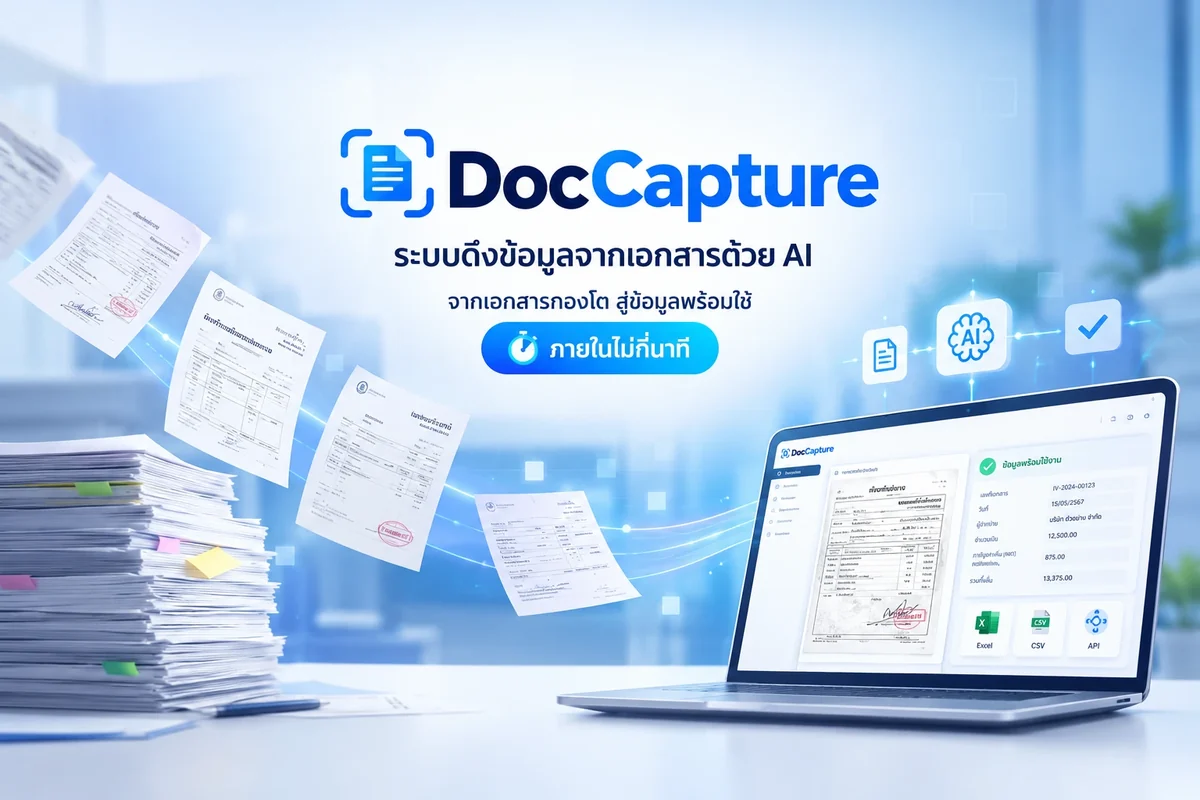
AI that pulls data out of documents. From a mountain of paper to ready-to-use data in minutes.
Is DocCapture OCR right for your team?
If your team keys invoices, tax invoices and other documents into the back-office system every day, DocCapture OCR can take that work off your hands. Talk to us to see whether it fits your documents.
FEATURES
What DocCapture OCR does for you
Reads Thai handwriting and stamps accurately
Stamps, signatures and handwriting are read separately, then cross-checked: the stamp data must match the document content before approval.
Every way to send documents
Web upload for staff, connection to existing systems that send documents automatically, or a watched folder processed on a schedule.
Adjustable review strictness
Set how strict the checks are according to the risk you accept. Results that pass go straight to the destination system; results below the threshold are not sent out and a reviewer is alerted. Every result is checked twice.
Ready-to-use data, no code needed
Name and order the fields yourself without waiting for developers. Download Excel or CSV, or let the system send the data to your existing system automatically.
Alerts by LINE and email
Alerts for documents awaiting review, delivery problems to the destination, and usage quota nearly full, plus account notices (email confirmation, team invitations, password reset). Each type can be switched on or off.
WHY DOCCAPTURE
Why teams move from typing to DocCapture OCR
Manual work: slow and error-prone
Typing data by hand is slower and riskier than it looks, and cannot be audited afterwards.
A huge volume of documents
Invoices, tax invoices and other documents that must reach the back-office system every day.
Generic scanners struggle with Thai documents
Generic scanning software cannot read Thai handwriting and stamps.
Measured in real use, versus several minutes per page when typed by hand.
* Per-document service fee only; system access license not included.
FAQ
Frequently asked questions
What is DocCapture OCR?
DocCapture OCR is an AI system that extracts data from documents. It receives the document, reads and extracts the data, validates it, flags doubtful items for a person to check, and delivers ready-to-use data, turning a mountain of paper into usable data in minutes.
Can DocCapture OCR read Thai handwriting and stamps?
Yes. It reads stamps, signatures and handwriting separately, then cross-checks that the stamp data matches the document content before approval. Generic scanning software often cannot read Thai documents like this.
Do I need to set up the document format before using it?
Yes. A template is set up to fit your documents so you get the highest accuracy. The system understands the content of a document instead of reading fixed character positions like generic software.
How long does one page take to process?
About 15 seconds per page, measured in real use, versus several minutes per page when the data is typed by hand.
How much does DocCapture OCR cost?
The service fee is 3 THB per page. This is the per-document fee only and does not include the system access license.
How can documents be sent to the system?
Three ways: web upload for staff in the field, a connection to existing systems that send documents automatically, or a watched folder that the system processes on a schedule.
What happens when the system is not confident about the data?
The organization sets a confidence threshold based on the risk it accepts. Results that pass go straight to the destination system. If the system is not confident or the result is below the threshold, the data is not sent out and a reviewer is alerted to check it first.
How can I export or use the extracted data?
Name and order the fields yourself without waiting for developers. Download Excel or CSV and use it right away, or let the system send the data to your existing system automatically without writing code.
What alerts does DocCapture OCR send?
Alerts by LINE and email when documents are waiting for review, when there is a delivery problem to the destination system, or when the usage quota is nearly full, plus account notices. Each type can be switched on or off.
Interested in DocCapture OCR?
Tell us what you need and our team will get back to you.
Contact us LINE